
Nikon Z50II Tutorial
Video lessons that walk through every menu and setting on your camera, plus downloadable guides to keep handy.
Know which settings matter, and which ones you can leave alone
The course goes through your camera one section at a time, so you know what each setting does and which ones are worth changing. You’ll also see the settings I recommend and why.
"After reading the manual, a book, and watching YouTube, this by far was the most helpful."

Bill Laun

Current through Firmware 1.11, August 2026
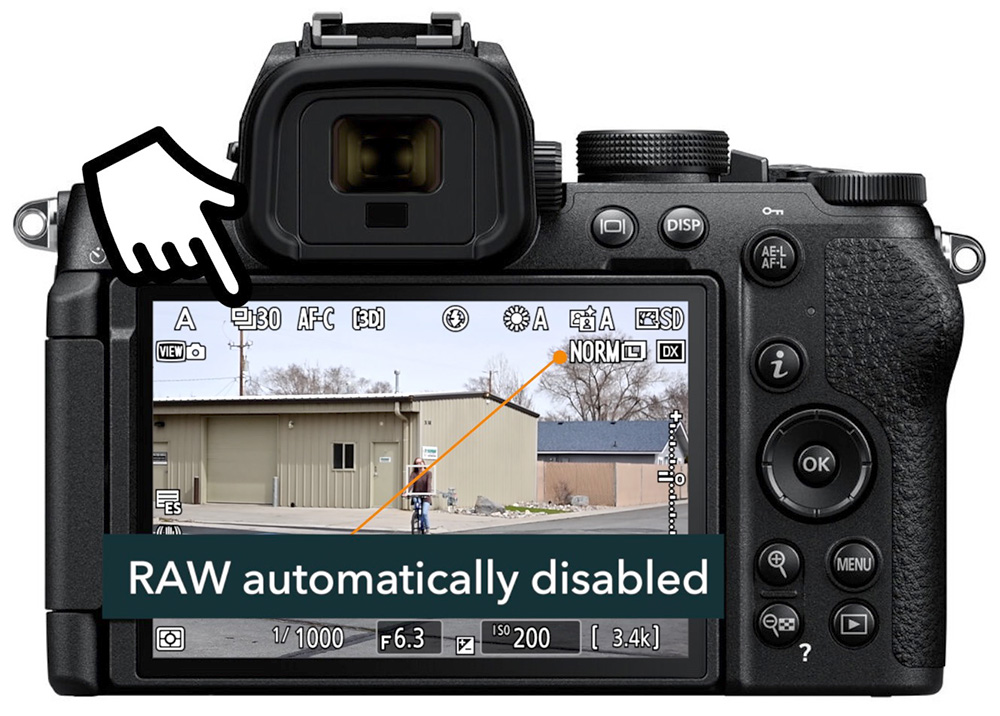
Learn your way around the Z50II, including the controls and care of the camera.
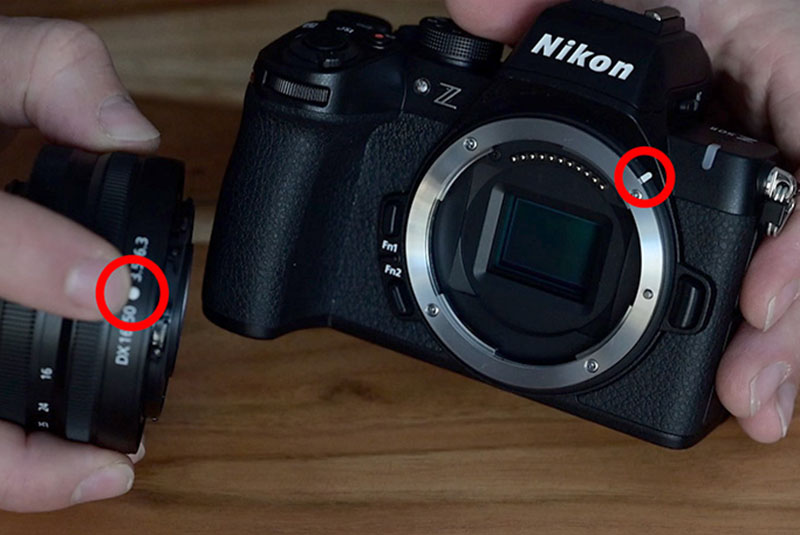
Videos take you through your basic Z50II menu setup, with demonstrations and recommendations.
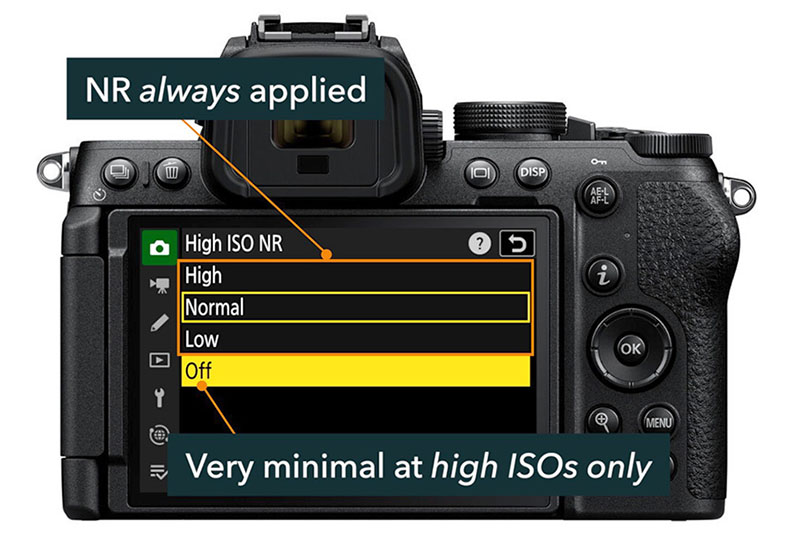
Learn how to use the Z50II focus tools, including tracking and customization options.
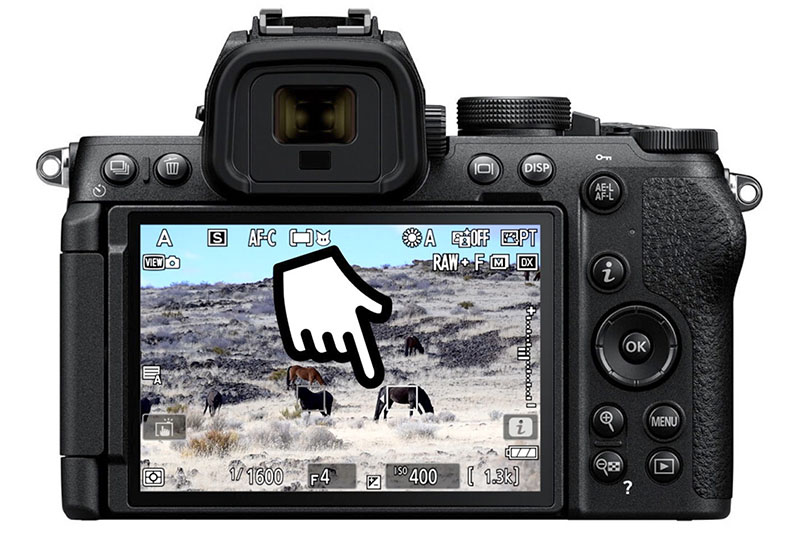
See when and how to use each of the exposure modes in the Z50II, and customize the system.
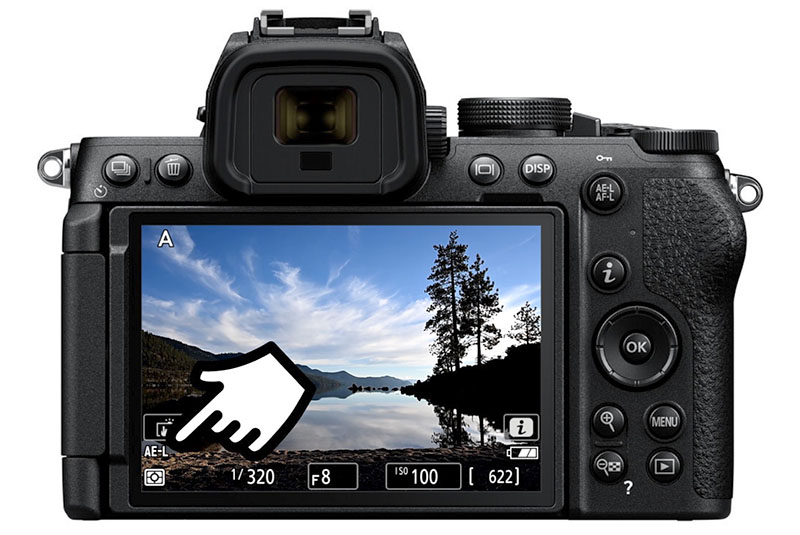
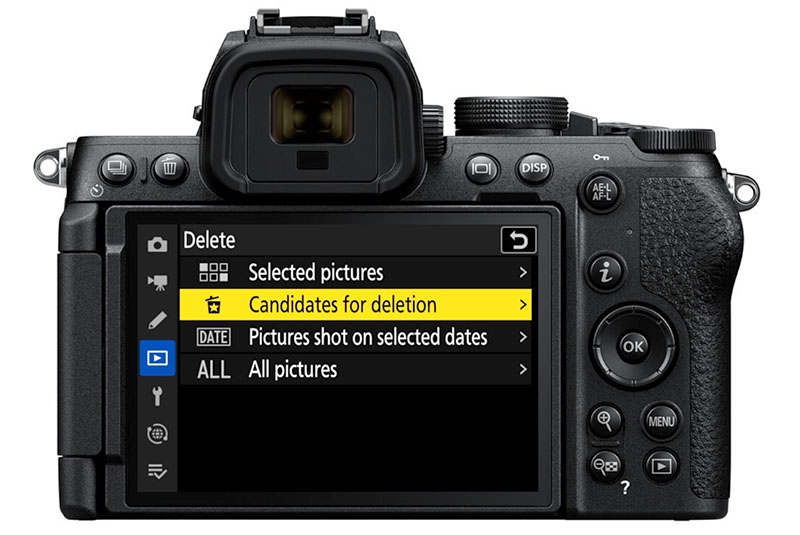
Efficiently review your images, reprocess them in the camera, and learn the playback menu.
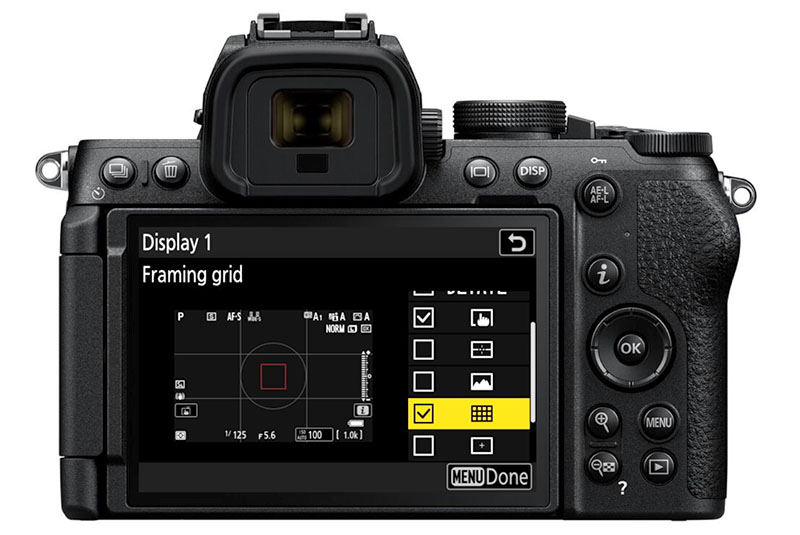
Learn how to customize your Z50II, including control and display customization.
"This tutorial is a must for anyone looking to fully harness the potential of this camera. It's an invaluable guide that enriches your photography journey, making the technical aspects of the camera seem less daunting and more like a creative ally in your artistic endeavors."

Juan-Claude De Villiers


I've worked as a documentary photographer since 2012, with projects in Haiti, Guatemala, Uganda, and more, and publications including New York Magazine, the Los Angeles Times, and the U.S. National Park Service.
Since 2017, I've brought that rigorous field experience to teaching, primarily to beginners working through the same struggles you're probably facing right now. These courses are built around a proven method to simplify the way you learn photography.
You can see my work at johnpeltierphotography.com.
If you purchase this course by itself then you'll have lifetime access to this course - and no others.
If you sign up for the membership, you get access to this full course and all other Nikon & photography courses in this library for as long as you're a member. You can cancel at any time without penalty.
The course includes 19 videos that, in total, are just over 4 hours.
Using our app, you can download the videos to your mobile device for offline viewing. Two PDF downloads include a quick setup checklist and a full menu supplement text.
If you purchase this course alone, then you'll have access forever and can come back whenever you want.
If you're enrolled in this course as part of the Z Photographers Membership, you'll have access for as long as you're a member.
I encourage you to try out the free previews before purchase.
Full refunds may be issued within 30 days of purchase, and only if 50% or less of the course content has been accessed.
This is more of a camera course, not a photography course. You'll learn the specifics of this camera as a creative tool, but this course does not cover general photography topics. If you want to learn about photography also, I recommend signing up for the subscription.
All course materials, including text and audio, are in English.
The videos also feature subtitles in Deutsch, Français, Italiano, Polksi, y Español.