
Photography Fundamentals for Your Nikon Z Camera
Learn the basics of photography on your Nikon Z camera, with assignments and instructor feedback along the way.
Learn what your Nikon Z camera is doing, and why
You’ll learn how exposure and focus work on your camera, with plenty of example photos, so you know which setting to change when a shot isn’t working.

Or explore the membership for full access to every Nikon & photography course.
Taught by a working photographer who shoots in challenging conditions and demanding situations
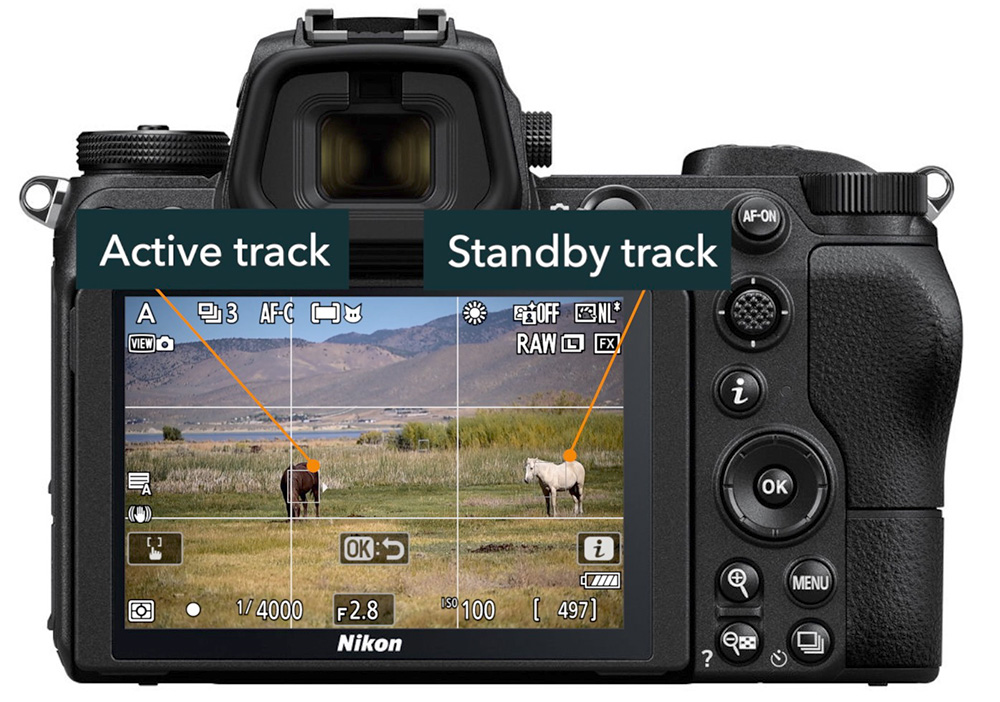
Learn your way around Nikon Z cameras and how to set up & customize the basic menus. Download expanded menu PDFs.
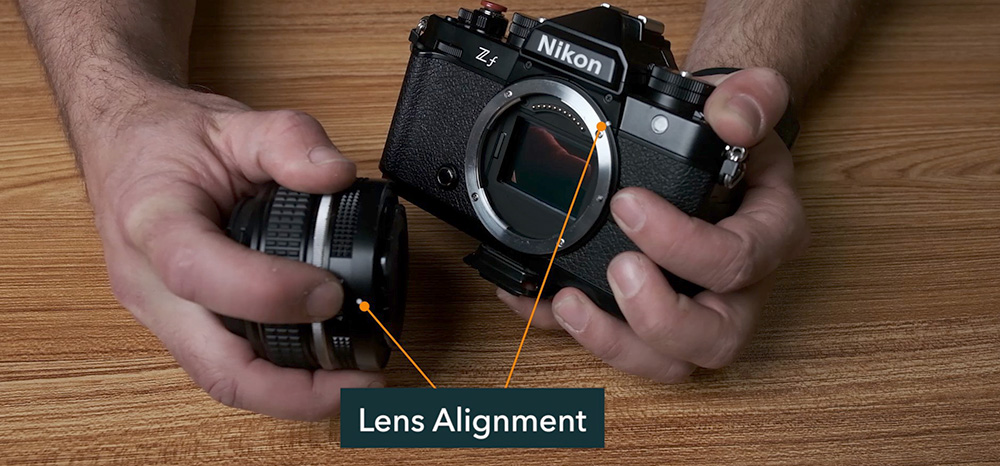
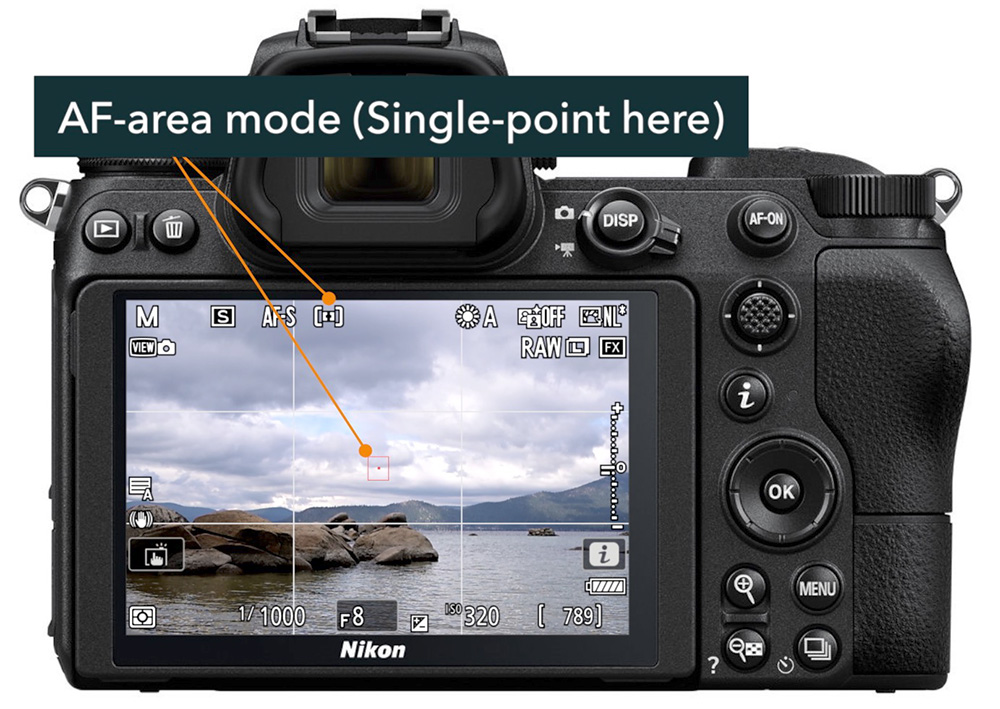
Understand how autofocus works in Nikon Z cameras and which modes are available to you, and when to use each.
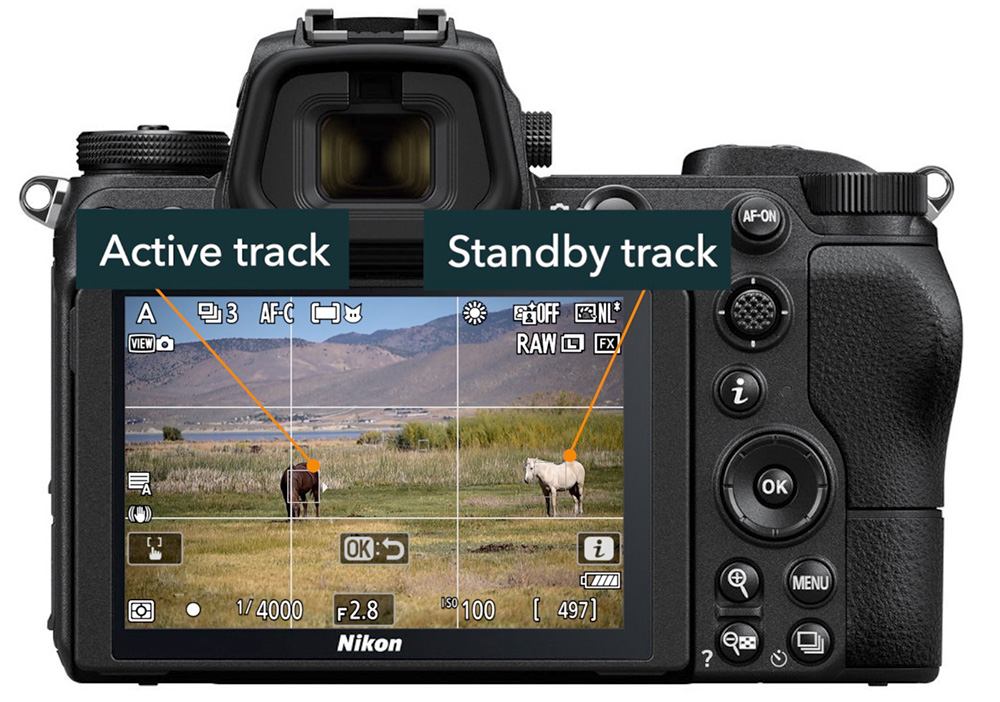
Now that you have a solid understanding of basic focus, learn how to use subject tracking, back-button focus, and customize your focus systems.
What is Exposure? This chapter will make you an expert on the Exposure Triangle, critical for understanding the next chapter.

Get out of AUTO! Learn the differences between each exposure mode and when & how to use them.

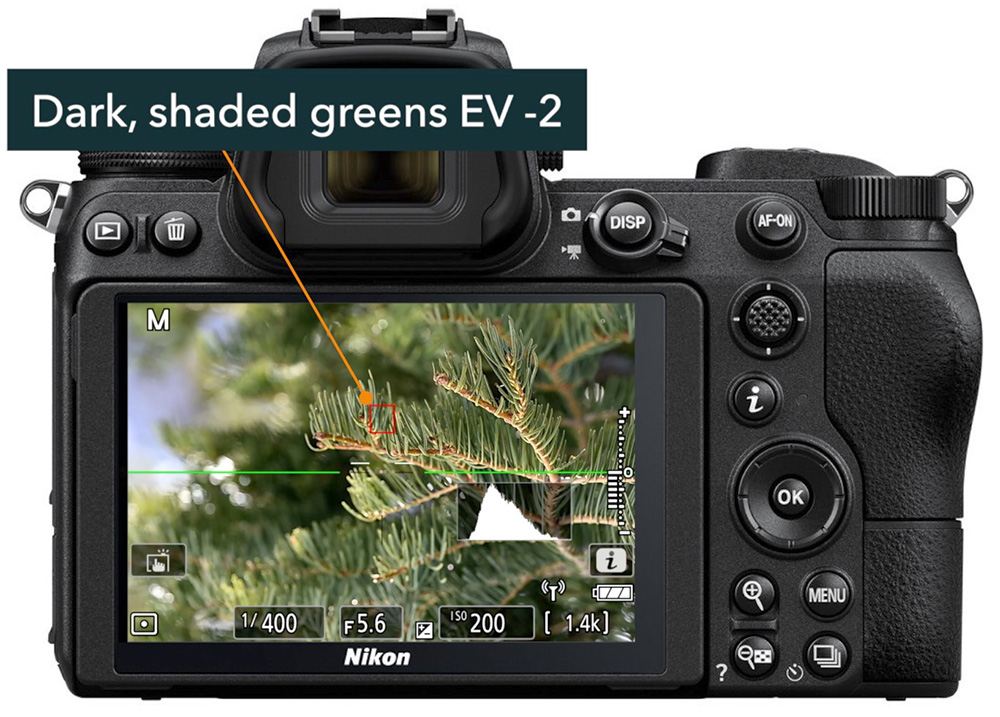
Nail those exposures every time. See how the camera meters light, how to use the histogram, and further customize your camera.
"This course helped me understand my camera better. The presentations provide excellent graphics to show how to set the camera. The instructor also provides helpful and quick feedback on assignments."

Elene Feigenbaum


I've worked as a documentary photographer since 2012, with projects in Haiti, Guatemala, Uganda, and more, and publications including New York Magazine, the Los Angeles Times, and the U.S. National Park Service.
Since 2017, I've brought that rigorous field experience to teaching, primarily to beginners working through the same struggles you're probably facing right now. These courses are built around a proven method to simplify the way you learn photography.
You can see my work at johnpeltierphotography.com.
The course includes 40 instructional videos that, in total, are just over 6 hours.
Videos cannot be downloaded for this course. However, you can download PDF outlines for each chapter that include all the key points from the videos.
You'll have access forever and can come back whenever you want.
I encourage you to try out the free previews before purchase.
Full refunds may be issued within 30 days of purchase, and only if 50% or less of the course content has been accessed.
This Nikon-centric photography course is generic enough to apply to all Nikon Z mirrorless cameras, including the Z30, Z50, Zf, Zfc, and Z5 through Z9 lines.